GitHub Team: Who It's For and How to Set It Up
GitHub Team is the first tier where GitHub becomes an actual company product instead of a personal account someone happens to be using for work. It's built around a real Organization — an account the company owns, not any one employee — with per-seat billing, Teams-based access control, and branch protection rules that turn "please review before merging" from a policy into something GitHub enforces. If more than one person at your company touches the same codebase, this is very likely where you should be, not GitHub Free.
What Team actually costs and includes, compared to Free and Enterprise:
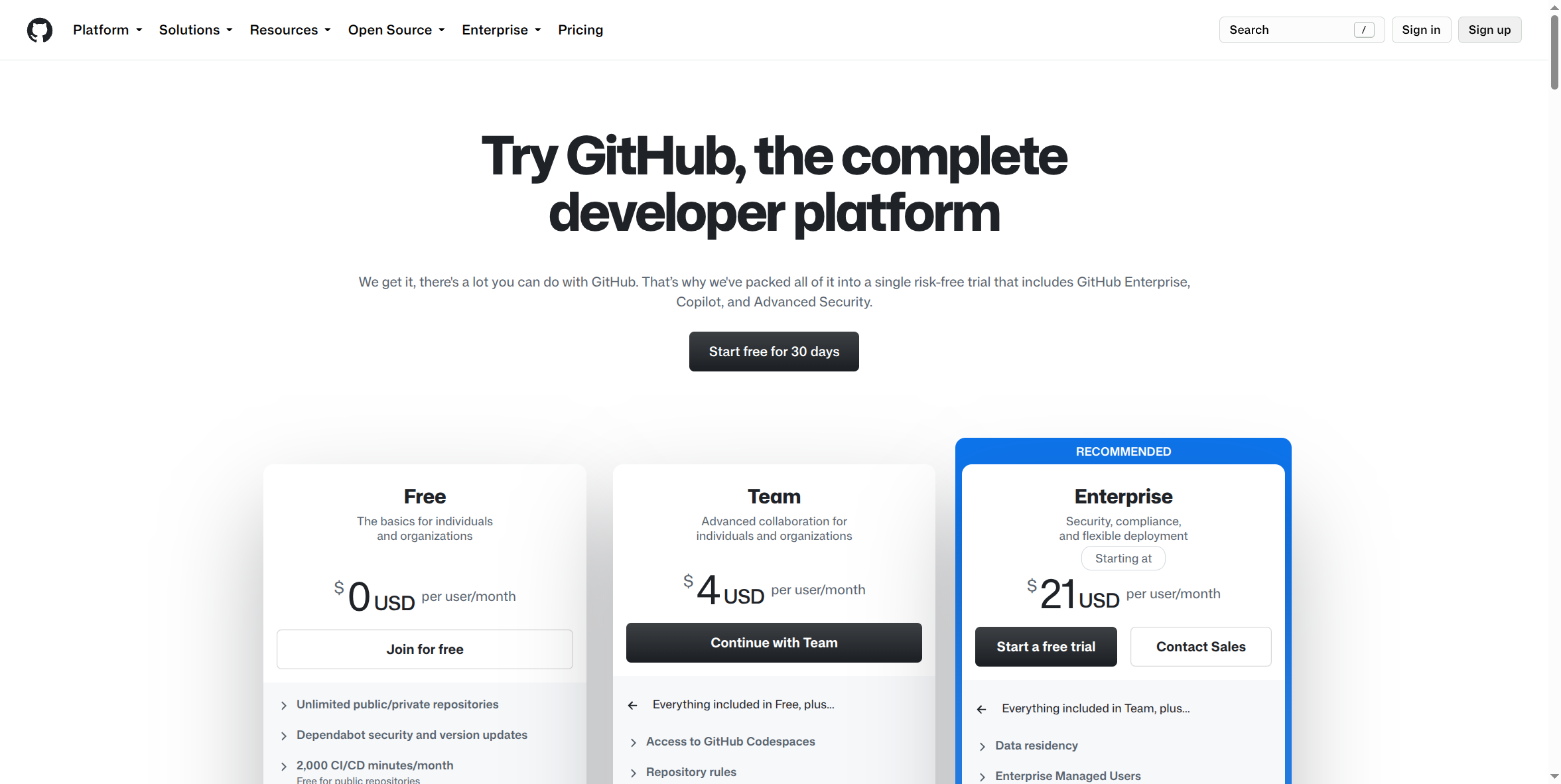
Team is $4 per user/month. Everything in Free, plus access to GitHub Codespaces (cloud development environments) and repository rules — GitHub's mechanism for enforcing branch protection, required reviews, and required status checks instead of relying on everyone remembering the policy.
Pros:
- A real Organization, not a personal account. Repositories belong to the company, not to whichever employee happened to create them — genuinely important continuity when someone leaves.
- Teams-based access control. Group people into Teams (Backend, Design, whatever fits) and grant each Team access to the repositories it needs, instead of adding individuals to every repository one at a time.
- Granular permission levels — Read, Triage, Write, Maintain, Admin — so you can hand someone exactly the access their job needs, not full repository control by default.
- Branch protection rules with real teeth. Require pull request approval before merge, require CI checks to pass, block force-pushes on
main— policy GitHub actually enforces, not just a written norm. - Per-seat billing replaces the ad hoc "everyone shares a login" pattern GitHub Free pushes teams toward — see the GitHub Free page for exactly why that pattern is a real risk, not just a shortcut.
Cons:
- Still no SSO or organization-wide enforced 2FA the way Enterprise has it. Team is a real step up from Free's total absence of admin controls, but the centralized identity layer — tying access to your company's identity provider, so offboarding someone in your HR system cuts their GitHub access too — is an Enterprise-tier feature, not Team's.
- No dedicated audit log depth for compliance purposes. Team gives you real Organization structure, but if a regulator or auditor asks "who touched this code and when" at the depth most compliance frameworks expect, Team is not built to answer that the way Enterprise is.
- Per-seat cost scales linearly with headcount, with no volume break built into the Team tier itself — worth knowing before assuming Team is automatically cheaper than expected at real company size.
- No SLA-backed support contract. Better than Free's community-only support, but still not the support relationship a larger, revenue-critical engineering org may need.
How to sign up:
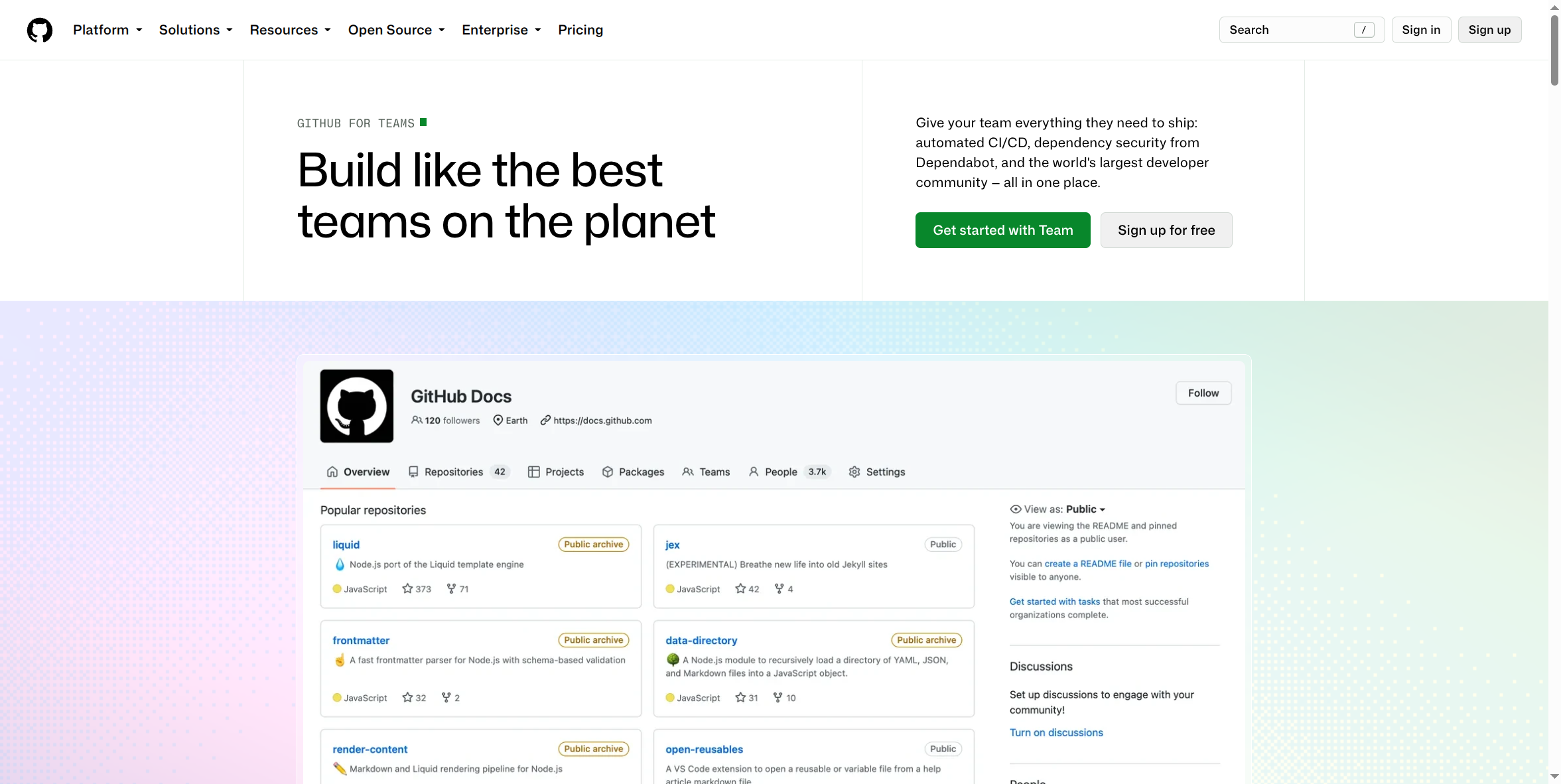
- Go to github.com/team and select Get started with Team, or start from github.com/pricing and choose Continue with Team under the Team card.
- If you don't already have a personal GitHub account, you'll be walked through creating one first — Team billing sits on top of an Organization, which in turn needs an owner account.
- Create the Organization: choose a name (this becomes part of your repository URLs, e.g.
github.com/your-company/...), and confirm the Team plan and seat count during setup. - Once the Organization exists, invite teammates by email or username — each invited person counts as a paid seat once they accept.
What this guide doesn't cover yet: the actual post-setup Organization admin screens — Team creation, permission assignment, branch protection configuration — require a real, paid, logged-in Organization to capture accurately, and haven't been screenshotted yet. This page will be updated once that access exists, rather than guessing at what those screens look like.
If your company has a real compliance obligation — SOC 2, a HIPAA-adjacent requirement, or anything that depends on audit logs or centralized access revocation for your source code — stop here and look at GitHub Enterprise instead (own setup guide). Team solves the "everyone's sharing one login" problem; Enterprise is what actually satisfies an auditor asking about it.