GitHub vs. Git: What's Actually Different
Everything in the first two courses of this track works entirely offline, with no account, no internet connection, and no GitHub at all — this lesson is where a remote hosting service enters the picture, and why that's a genuinely separate thing.
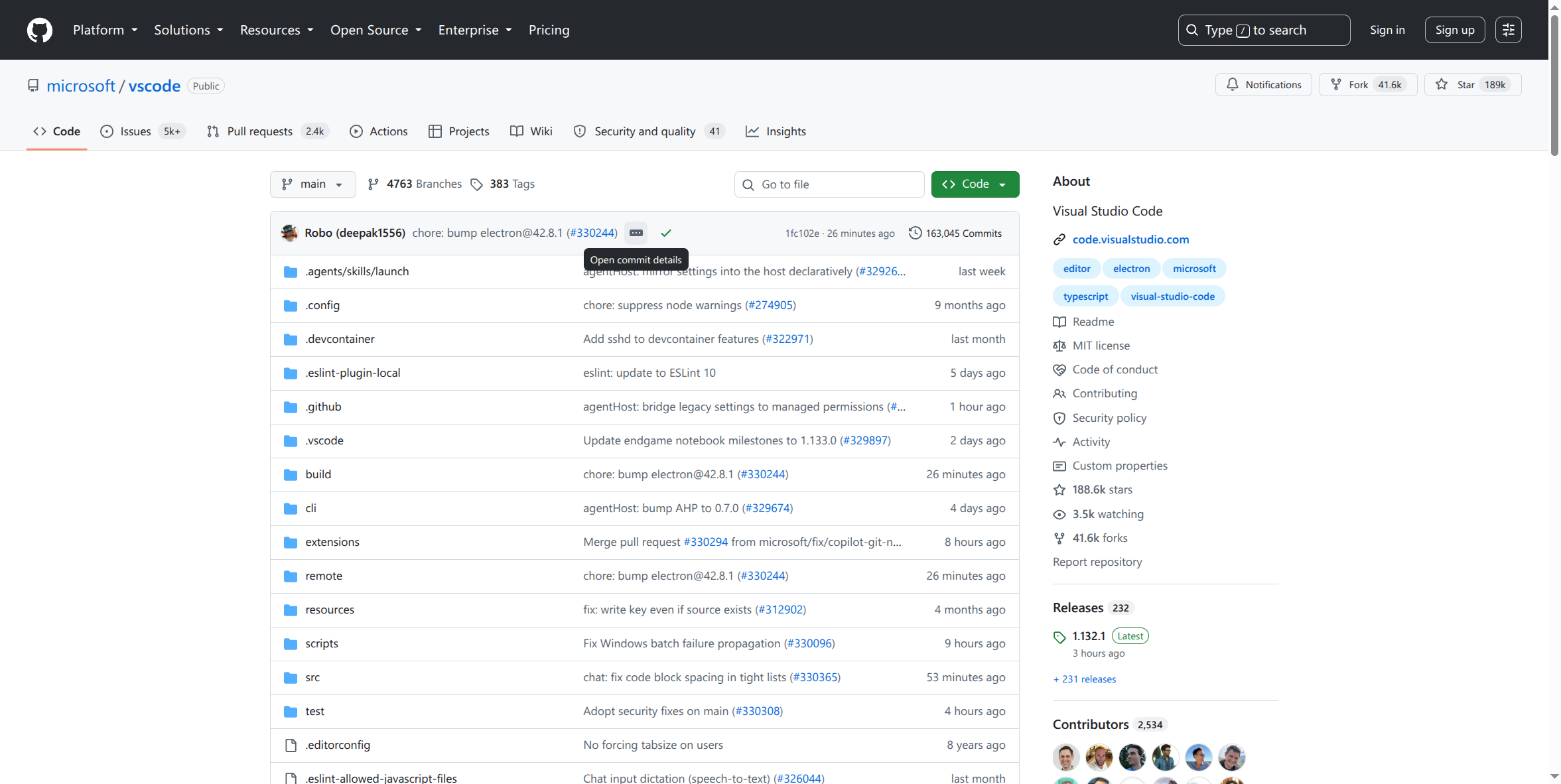
Git is the version control system itself — free, open-source, works entirely on your machine. GitHub is a company that hosts Git repositories online and adds collaboration features (pull requests, issues, project boards) on top of plain Git. GitLab and Bitbucket are direct competitors offering similar hosting — this course focuses on GitHub since it's what Securafy and most of the industry uses, but the underlying Git concepts transfer directly to any of them.
A "remote" is just a named reference to another copy of the repository, usually hosted somewhere like GitHub. origin is the conventional name for your primary remote — nothing forces this name, but virtually everyone uses it, so deviating from it without reason just adds confusion.
Your local repository and GitHub's copy are NOT automatically in sync. Making a commit locally does nothing to GitHub until you explicitly push — this surprises people expecting cloud-storage-style automatic syncing. Git is deliberately not that; you control exactly when local changes become visible remotely.
A GitHub repository can be created empty (then you push your local work to it), or you can clone an existing one to start from. Both are common — creating fresh for your own new project, cloning for anything that already exists (an open-source project, a company's existing codebase).
Why this matters for you
Keeping "Git" (the tool) and "GitHub" (one specific hosting service for it) conceptually separate is what makes the rest of this course make sense — every command in this lesson is about connecting your already-functional local Git repository to a remote copy, not replacing anything from the first two courses.
▶️ Before the next lesson
Create a free GitHub account if you don't already have one, and confirm you can log in — the next lesson has you create your first real repository there.